
Keep your existing printing software
Initiate printing from your existing software as usual. Adapt to its actual output and label layout without requiring customers to replace their label design tools first.
01RFID PRINT UPGRADE BOX
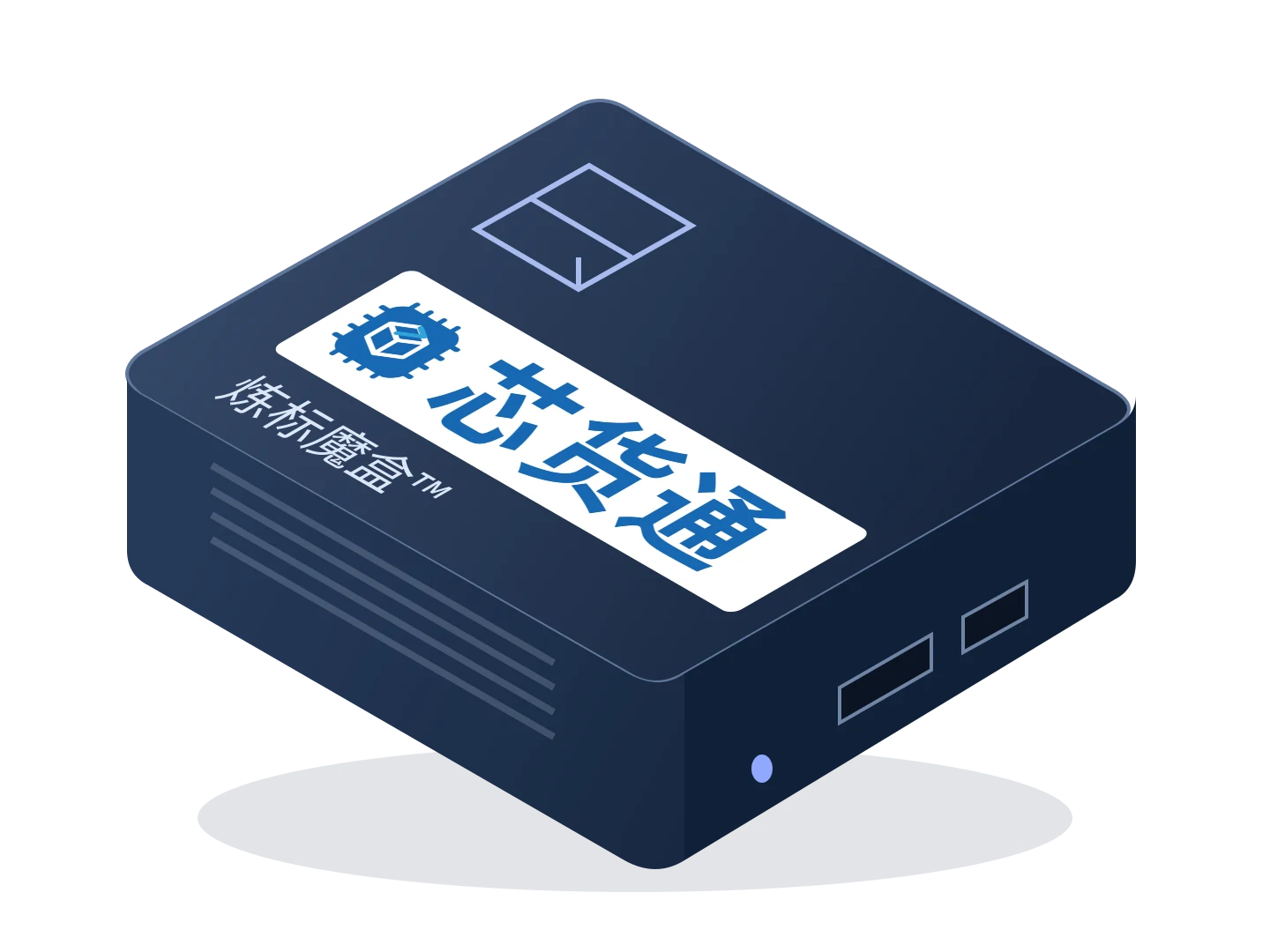
Label Magic Box™
Connect existing printing software to RFID printing: Label Magic Box receives print jobs, links products and EPC codes, and passes the job to an RFID printer for label output.
Printing integration and compatibility validationDelivery scope follows actual configuration and validation results
01DESIGNED FOR THE WORK
For the label, ERP and other printing software customers already use, Label Magic Box joins the existing print workflow. It processes jobs using templates and rules, links product data to item-level EPCs, then sends them to an RFID printer for printed output and chip encoding. Validate integration with the original sample label, driver output and target printer first to reduce label redesign and software migration work.
Suitable applicationsLabel printing stations / Apparel suppliers / E-commerce warehouses / System integrators
Initiate printing from your existing software as usual. Adapt to its actual output and label layout without requiring customers to replace their label design tools first.
Generate item-level EPCs using the confirmed product mapping and encoding rules, linking label content, chip identity and product data.
Labels continue through Desktop Pad capture, packing, receiving, inventory and returns workflows, with full EPCs identifying individual items throughout.
02HOW IT WORKS
Provide your current software, driver or print language, a redacted sample label and product fields.
Adapt job input and output to the actual PC and RFID printer combination.
Confirm the template, product mapping and encoding rules, then process each label's content.
Output through an RFID printer, then check the printed content and externally read back the EPC. Approve the sample label before batch work.
03EXPLORE THE WORKFLOW
Synthetic samples show how products link to individual EPCs. The demo does not connect to a printer, print physical labels or encode chips.
Identical products still need distinct full EPCs. This demo shows only the link between a job and item identities.
Select the button below to view a synthetic print job.
Waiting for a sample job.
04CONFIGURATION & DELIVERY
Start with your actual goods, tags and working environment,
and agree the hardware, software and service scope together.
The product is designed for integration requests involving any existing printing software. Each output format, driver, printer and media combination requires compatibility validation; success with one combination does not establish acceptance for every model. Sending a job does not confirm that a label has been printed or its chip encoded. Verify physical output and an external readback separately.
05DOCUMENTATION & CONTACT
PDF · English · V1.0 · 2026.11.13
The core value is keeping your existing software and label workflow. Use actual print samples to confirm the integration method, layout and data rules first.
Chip encoding still requires an RFID printer and matching media. The box handles print jobs and item identities; it does not add RFID encoding hardware to ordinary printers.
Job receipt, data transmission, physical printing and chip readback are different states. Check each stage and define exception handling.
CONTINUE EXPLORINGRELATED PRODUCTS
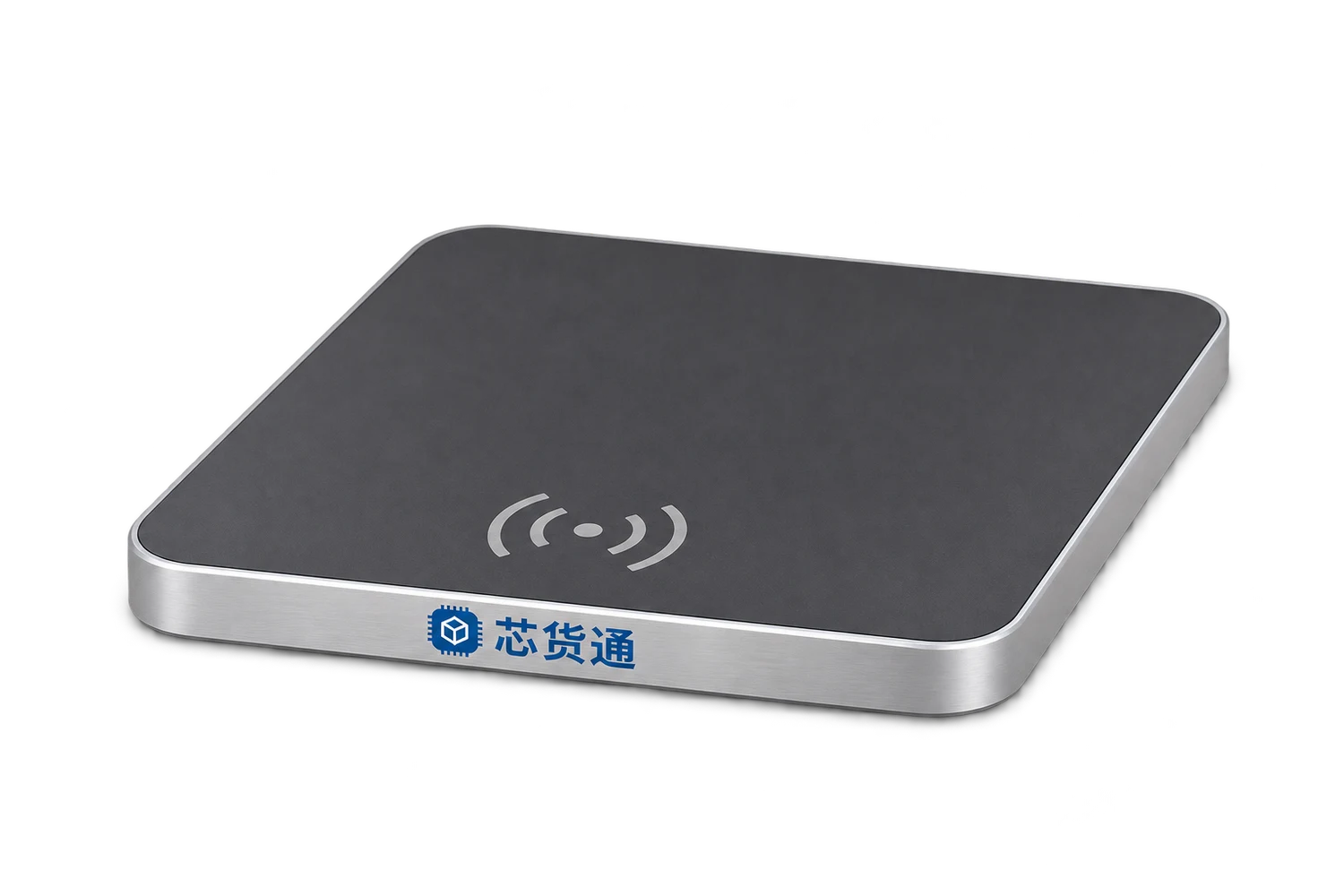
One USB cable connects the pad to a PC and supplies power. After reading RFID tags, the pad outputs EPCs as keyboard input into the currently focused field, supporting Jushuitan ERP shipping, returns and related workflows.
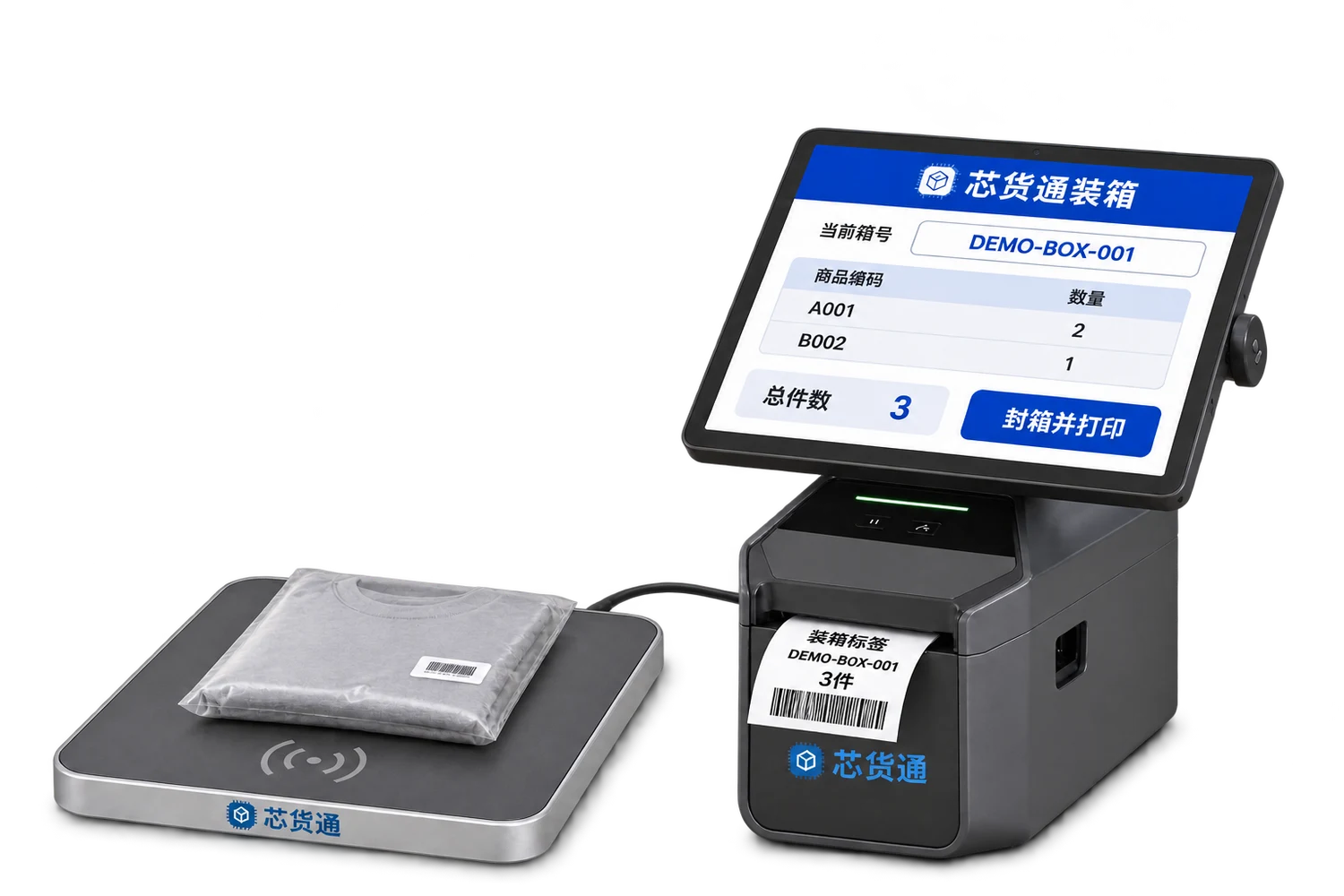
Scan individual item codes or read EPCs, link them to a box code, print the box label and pass the item list to the receiver.
LET’S BUILD YOUR WORKFLOWStart with one workstation or one warehouse