Product illustrationRFID PRINT UPGRADE BOX
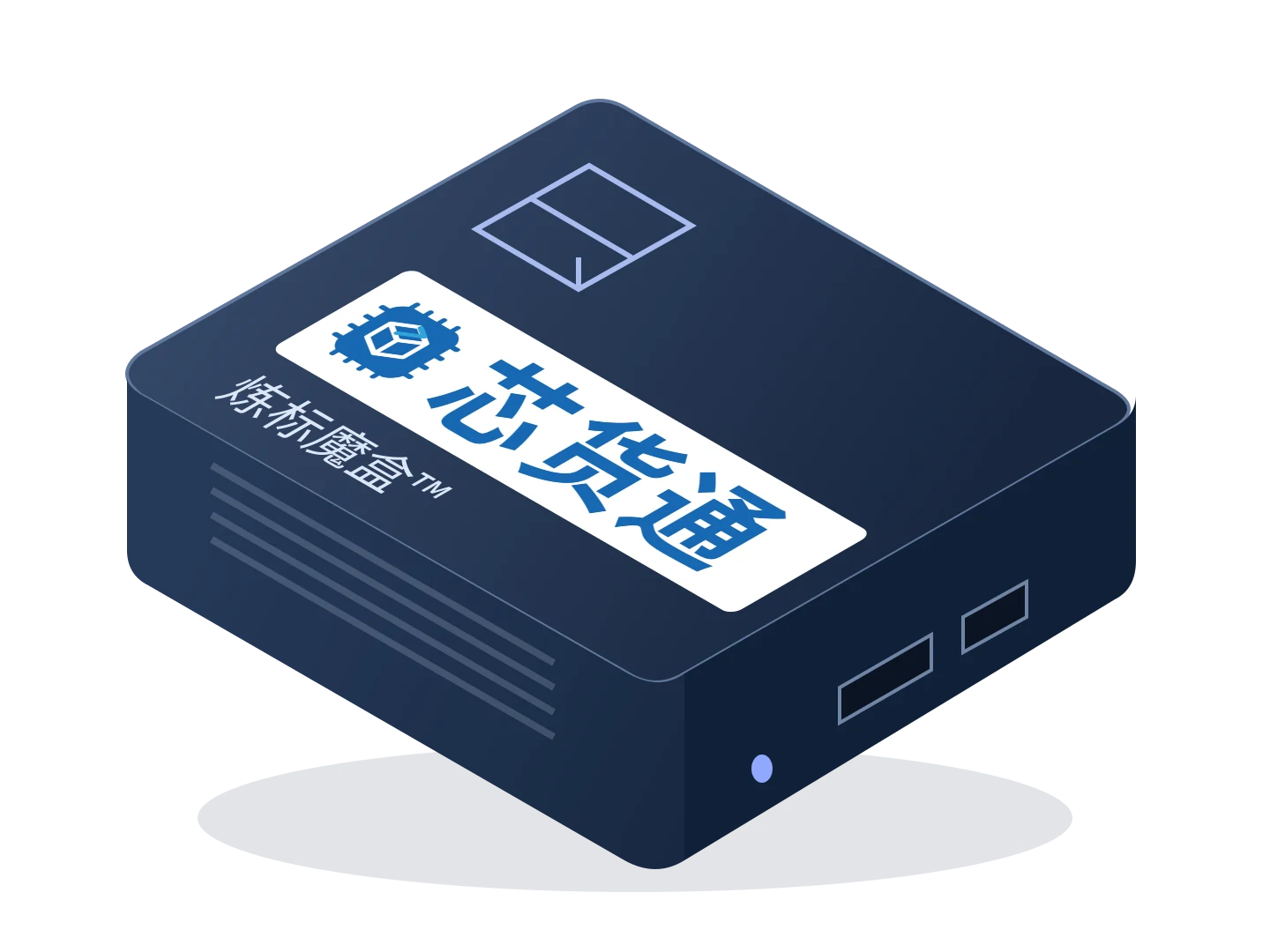
Label Magic Box™
Connect existing printing software to RFID printing: Label Magic Box receives print jobs, links products and EPC codes, and passes the job to an RFID printer for label output.
ONLY1CODE × XinhuotongRFID · SOFTWARE · ROBOTICS
Connect RFID printing, capture, packing and receiving
to in-warehouse inventory and returns inspection.
Start with one workstation and combine products for your workflow.Hardware × Software × Workflow
01 Label printing
02 EPC capture
03 Item-by-item packing
04 Box-level receiving
05 Storage-location inventory counting
06 Mobile inventory counting
07 Returns inspectionCombined product illustration · Functions and configuration confirmed per project
01OUR PRODUCTS
Start with a clear operational problem to find the right hardware and software.
Product illustrationRFID PRINT UPGRADE BOX
Connect existing printing software to RFID printing: Label Magic Box receives print jobs, links products and EPC codes, and passes the job to an RFID printer for label output.
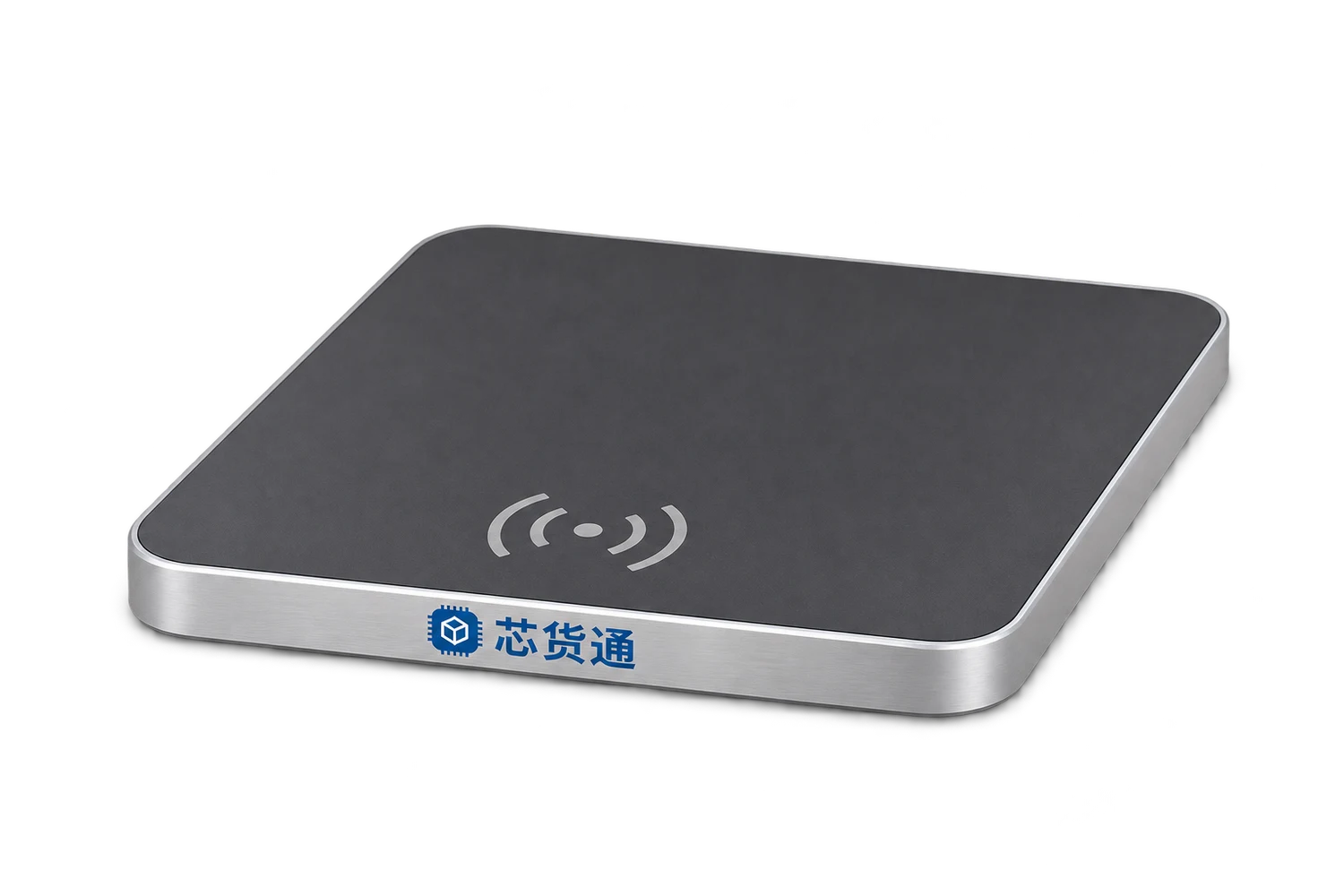
Product illustrationUSB RFID DESKTOP PAD
One USB cable connects the pad to a PC and supplies power. After reading RFID tags, the pad outputs EPCs as keyboard input into the currently focused field, supporting Jushuitan ERP shipping, returns and related workflows.
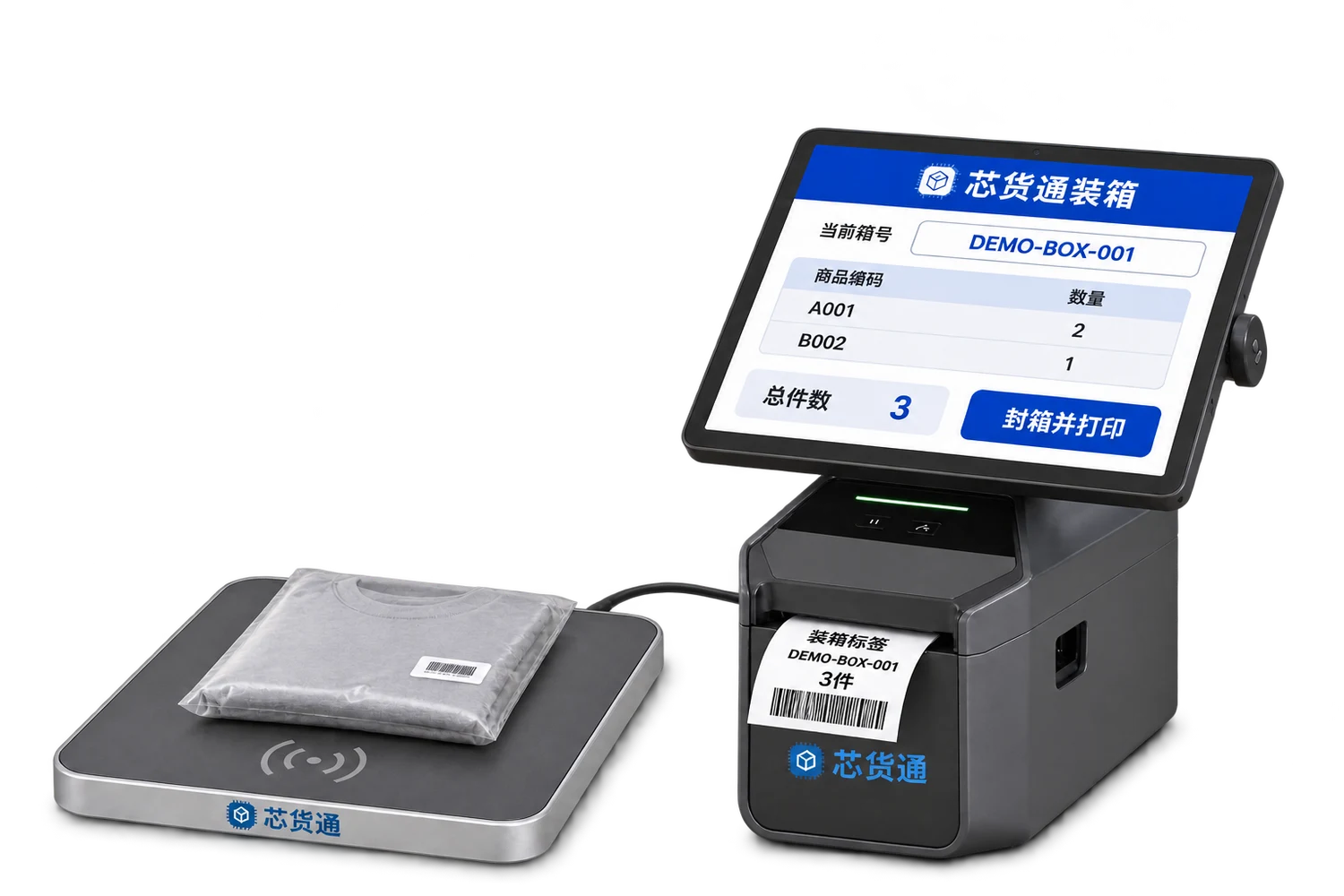
Product illustrationSMART PACKING STATION
Scan individual item codes or read EPCs, link them to a box code, print the box label and pass the item list to the receiver.
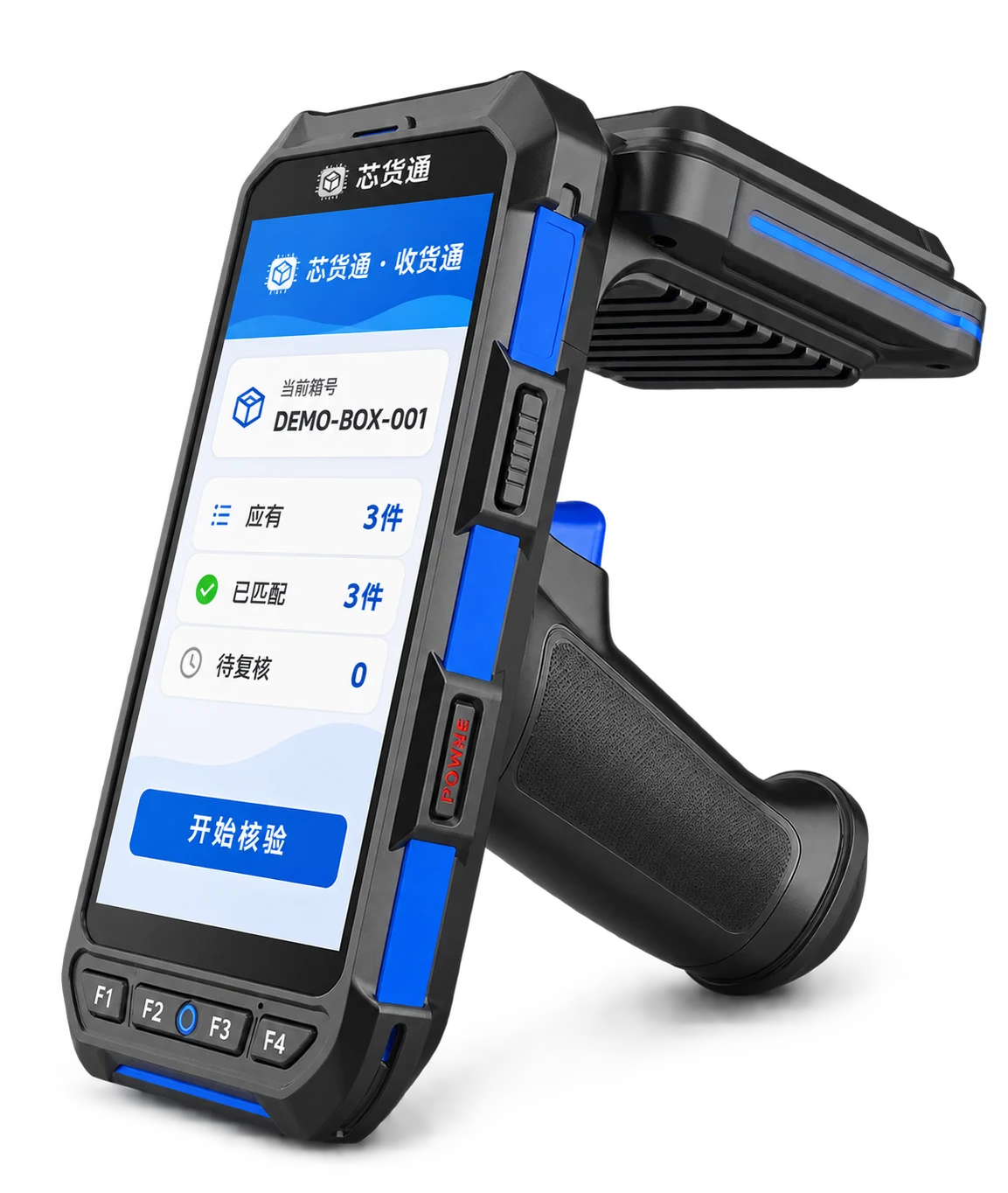
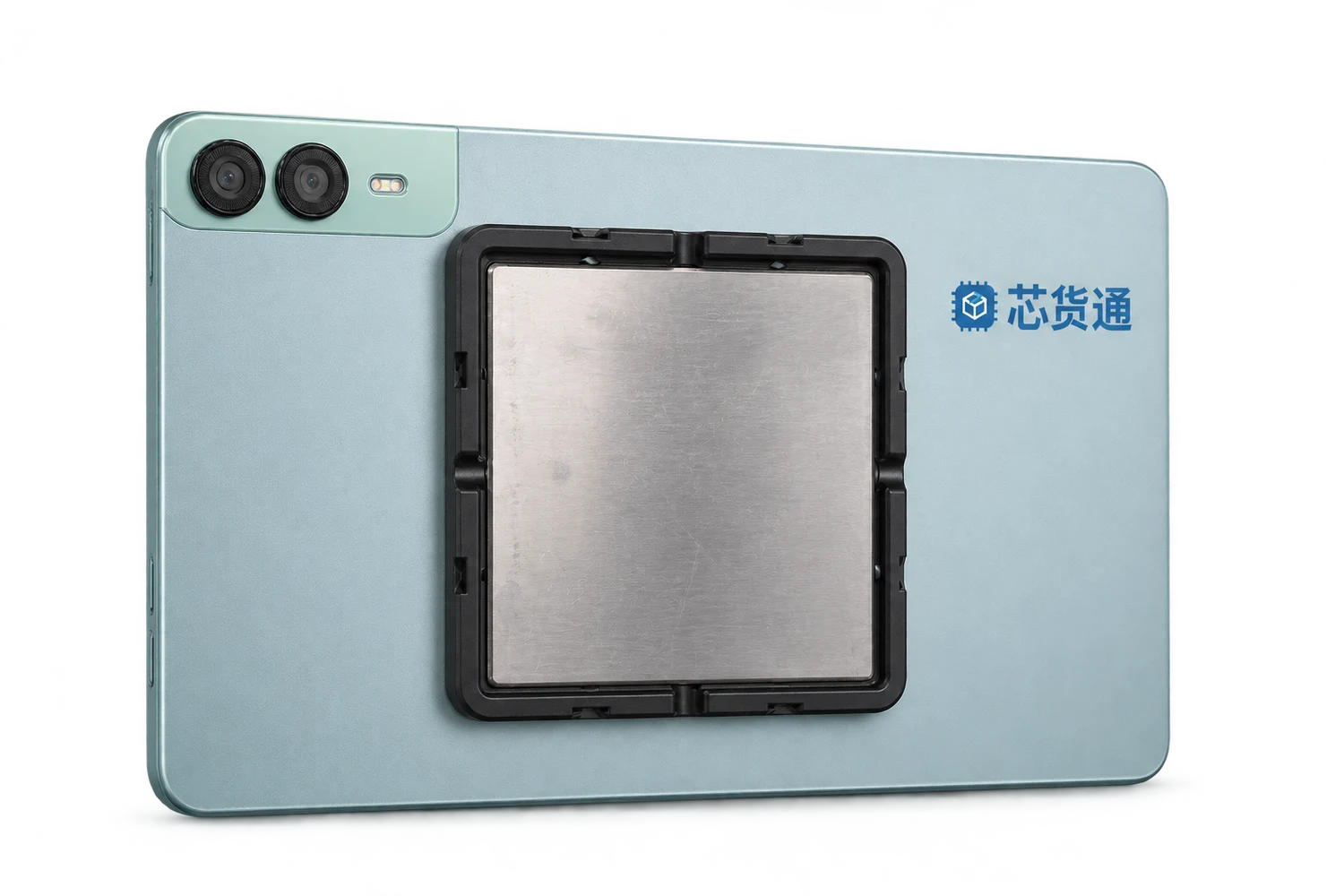
Product illustrationBOX-LEVEL RFID VERIFICATION
Scan the box QR code or barcode to retrieve its complete expected EPC list. Read the physical goods with the PDA and compare each item to support receiving, unpacking checks and returns verification.
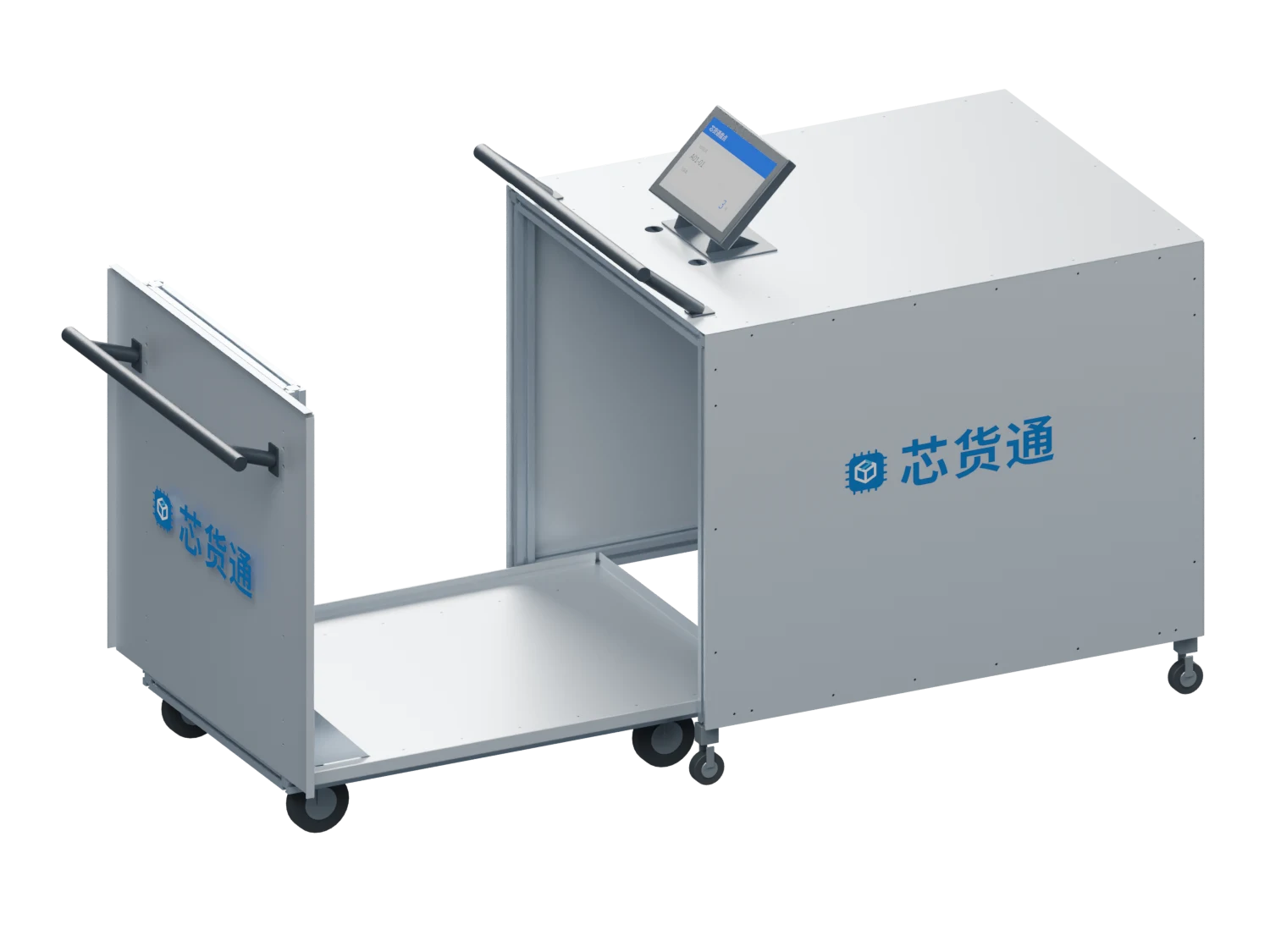
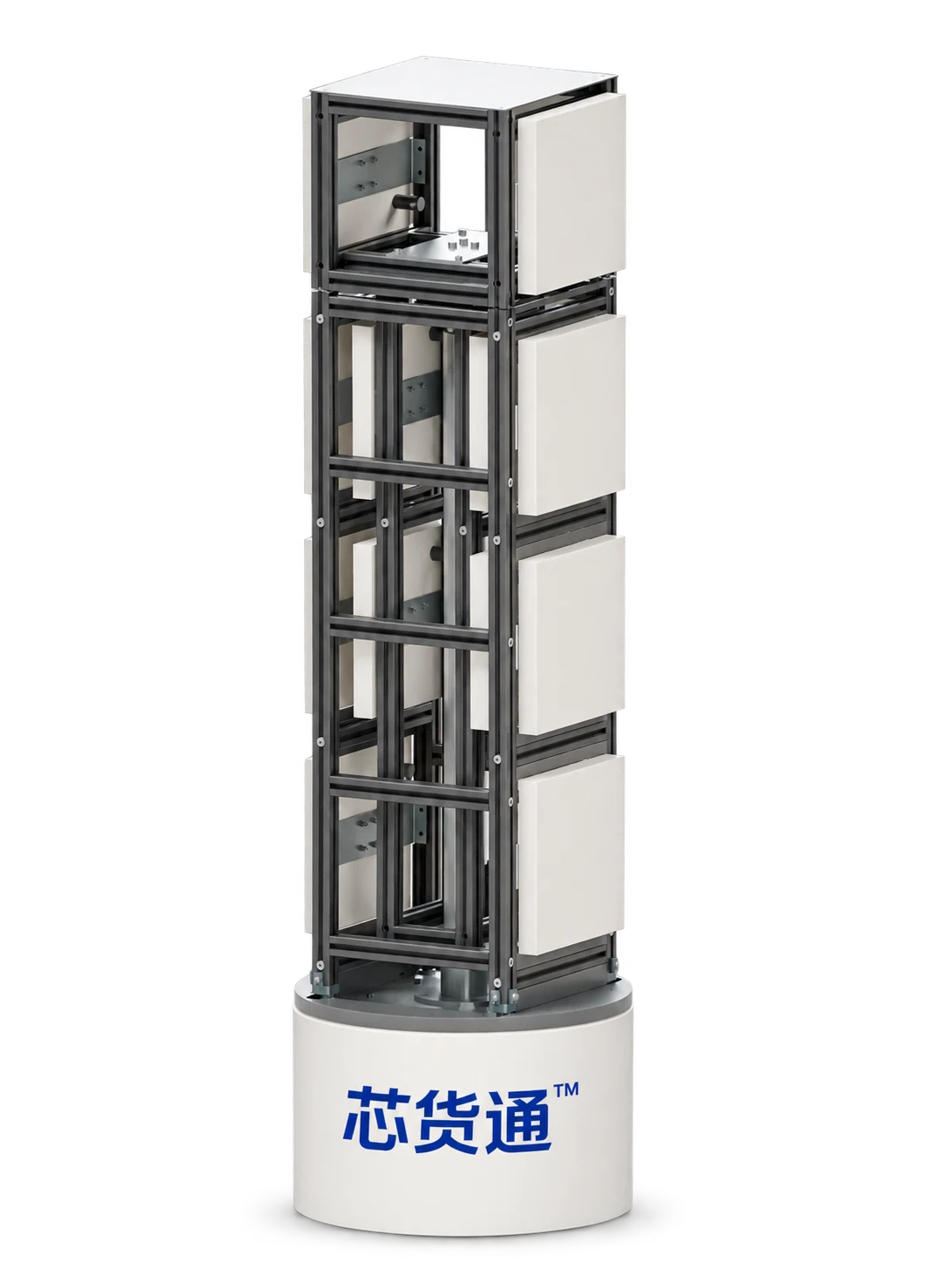
Product illustrationRFID INVENTORY CHAMBER
Designed primarily for storage-location inventory: place movable location bins directly on the cart, or first transfer loose goods from fixed locations into storage totes, then push them into the chamber for checking. Receiving can also be organised one box at a time.
Product illustrationMOBILE INVENTORY ROBOT
A mobile base, antenna lift and inventory software work together for zoned warehouse capture and discrepancy review.
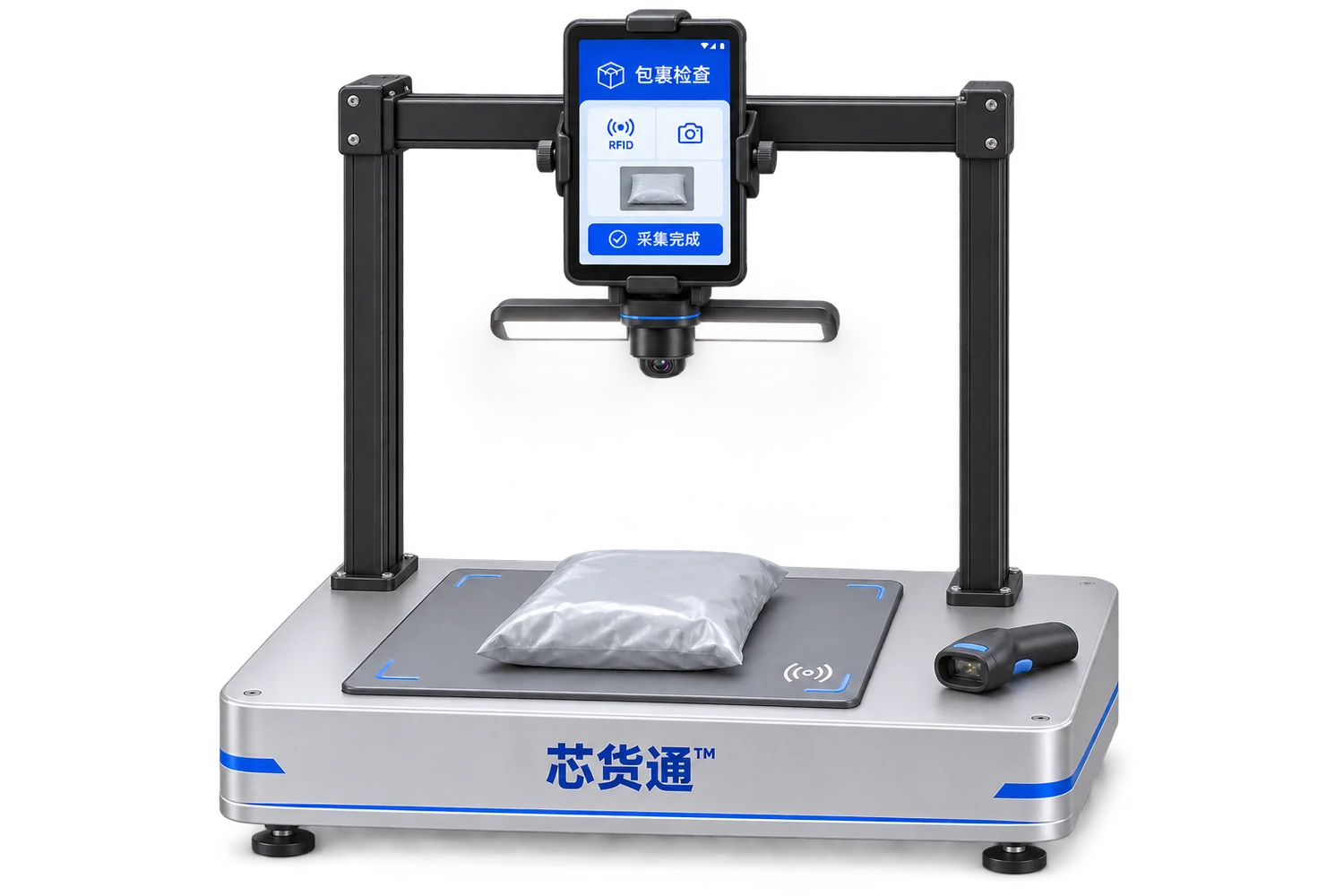
Product illustrationRETURNS INSPECTION STATION
Link the return waybill, parcel photos and RFID item details to support inspection, review and subsequent handling.
A key link in the packing workflowPACK ONCE · VERIFY BOX BY BOX
Small warehouses · Retail stores · Box-level handoverItem-by-item packing creates the EPC manifest. The receiver scans the box code, reads the physical goods with a PDA and verifies every item in that box.
Start with a handheld RFID PDA and a suitable verification area, without first installing large RFID tunnels, bulk-read cabinets or reading boxes.
Expected list 3 full EPCs

Matched / Expected but not read / Extra tags read
Link full EPCs to the box code and archive the actual item-level packing details.
Retrieve the authorised manifest using a QR code or barcode, and fix its version for this verification.
Read the current box in an area with relatively few nearby tags and little interference, then rescan and review discrepancies.
Separate the current box from neighbouring boxes and other RFID goods. Review both expected tags not read and extra tags read before confirming physical discrepancies.
Explore the compatible Xinhuotong Packing Station Download PDA solution PDF02START WITH THE SCENARIO
Equipment is one part of the operation. Confirm inputs, workflow and outputs before combining a solution.
03TAKE THE NEXT STEP
Download the guide to discuss with your team, or tell us about your workflow directly.
PRODUCT PORTFOLIO
Product positioning, workflow, outputs and compatibility conditions. Product solution guides are available.
Download overview PDFLET’S BUILD YOUR WORKFLOWStart with one workstation or one warehouse