
One USB cable for a clearer desktop
One USB cable handles the PC connection, data transfer and power. No extra power cable or power adapter is needed.
02USB RFID DESKTOP PAD
Xinhuotong RFID Desktop Pad
One USB cable connects the pad to a PC and supplies power. After reading RFID tags, the pad outputs EPCs as keyboard input into the currently focused field, supporting Jushuitan ERP shipping, returns and related workflows.
PC keyboard input workflowDelivery scope follows actual configuration and validation results
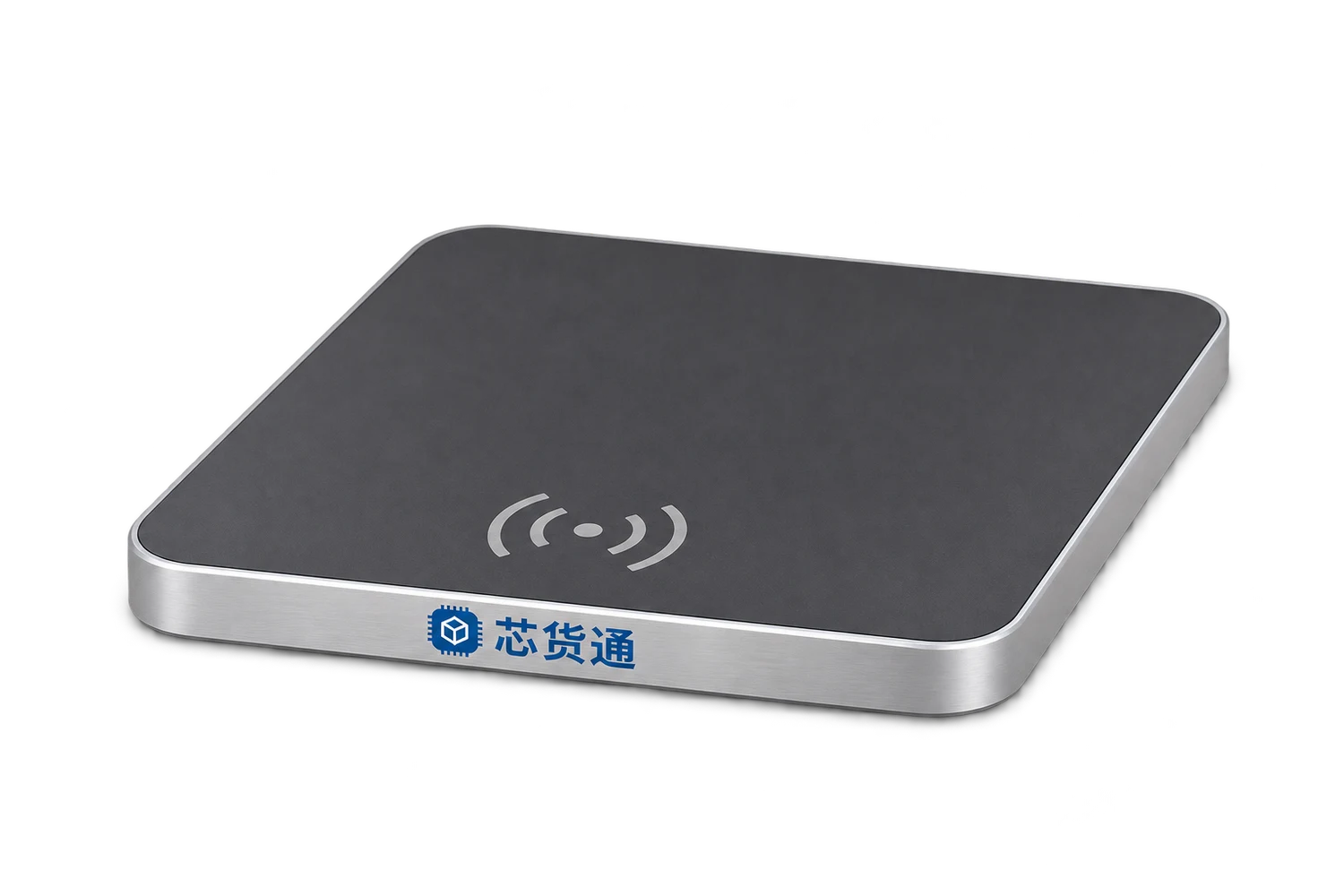
01DESIGNED FOR THE WORK
One USB cable connects the Desktop Pad to the computer for data transfer and power, with no extra power cable. Place RFID-tagged goods in the reading area to send full EPCs as keyboard input to the currently focused field. This supports workstations that need individual item identifiers, including Jushuitan ERP shipping and returns. The target page must support EPC input or already have the relevant product and order mappings.
Suitable applicationsPC workstations / Jushuitan ERP shipping / Returns receiving / Product checks
One USB cable handles the PC connection, data transfer and power. No extra power cable or power adapter is needed.
Send each full EPC read to the currently focused field in your existing PC page. Confirm deduplication, separators and Enter-key behaviour for the workstation.
For shipping item checks, returns identifier capture and related tasks. Confirm EPC fields, product mapping and page operating rules first.
02HOW IT WORKS
Connect the pad to the computer for data and power, and confirm keyboard output mode.
Open the target page, such as Jushuitan ERP, and focus a field that can receive EPCs.
Read the goods for the current operation and output full EPCs using the confirmed deduplication and separator rules.
Check the page's matches and discrepancies, then confirm shipping or returns handling within your business permissions. Avoid incorrect focus or accidental submission through Enter-key actions.
03EXPLORE THE WORKFLOW
This is a synthetic demo of keyboard input for Jushuitan ERP shipping and returns. It does not connect to a real ERP, type into other windows or submit business transactions.
No input target selected. Select a demo field first.
Only synthetic EPCs are entered into the demo fields. No shipping, goods-receipt or returns documents are submitted.
04CONFIGURATION & DELIVERY
Start with your actual goods, tags and working environment,
and agree the hardware, software and service scope together.
Keyboard output only enters EPCs into the target field. It does not establish that the ERP has identified the goods, shipped orders or issued refunds automatically. EPCs cannot simply be treated as SKU codes. Confirm field support and mapping, and validate focus, separators and Enter-key actions.
05DOCUMENTATION & CONTACT
PDF · English · V1.0 · 2026.11.13
No. One USB cable connects the pad to the computer for both data transfer and power.
Keyboard input can support PC shipping, returns and related workflows. Focus a field that supports EPCs, or complete product mapping first, and validate the page's operating rules.
The pad does not perform these business actions directly. ERP matching, submission and permission rules remain controlled by the business system and operator.
CONTINUE EXPLORINGRELATED PRODUCTS
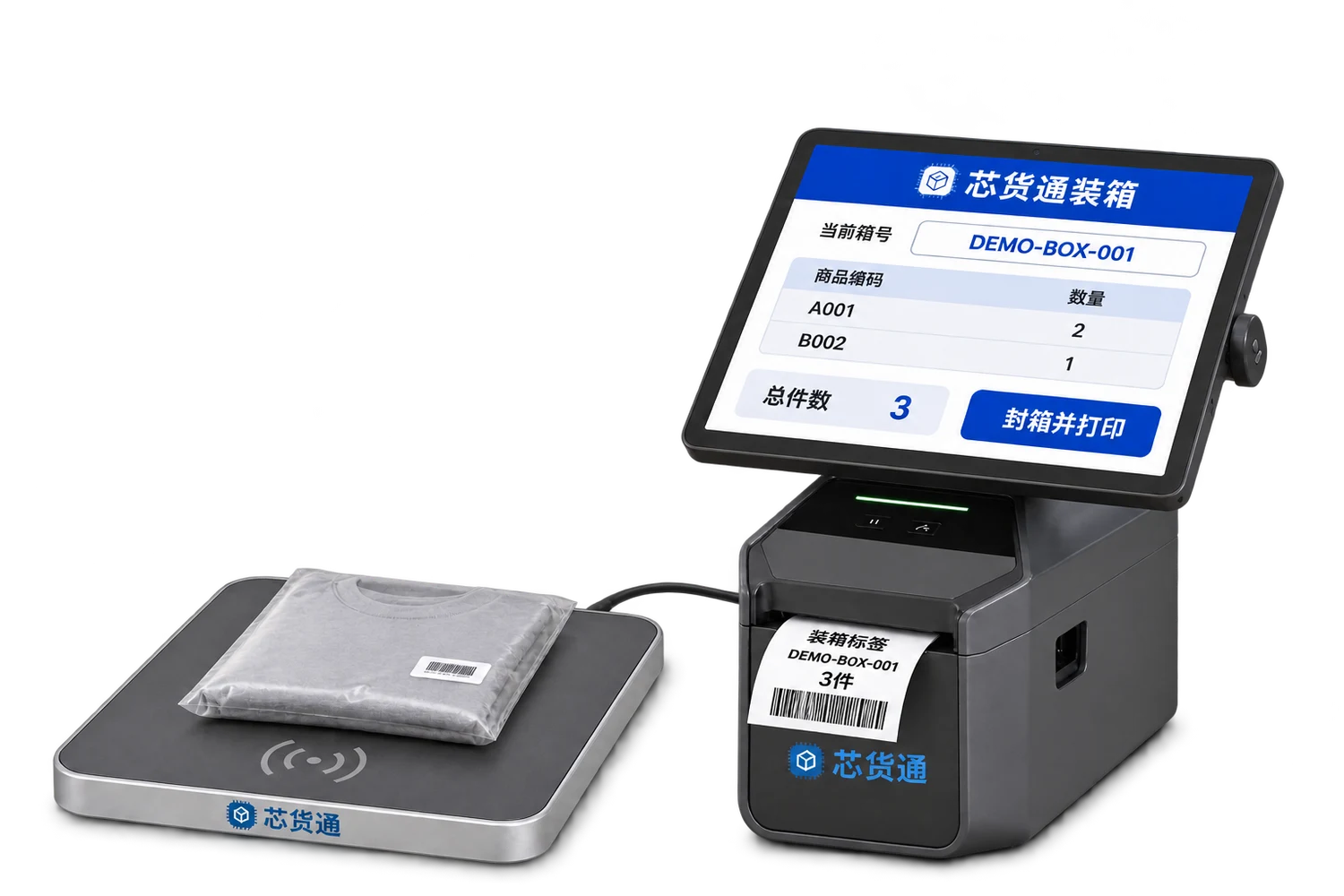
Scan individual item codes or read EPCs, link them to a box code, print the box label and pass the item list to the receiver.
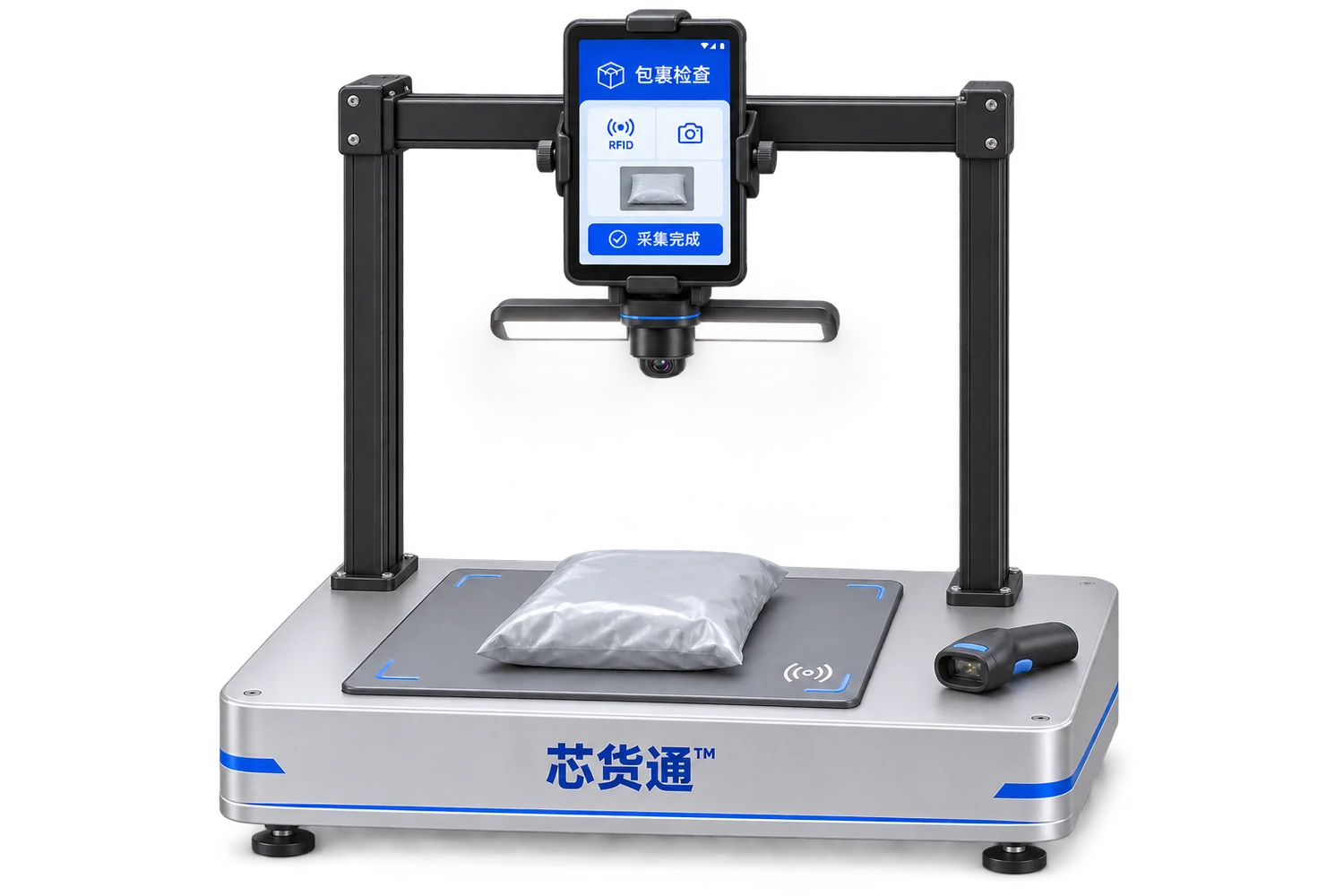
Link the return waybill, parcel photos and RFID item details to support inspection, review and subsequent handling.
LET’S BUILD YOUR WORKFLOWStart with one workstation or one warehouse